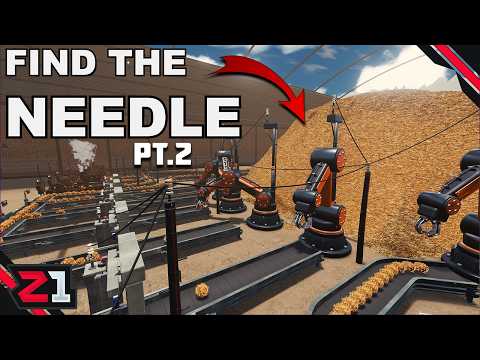
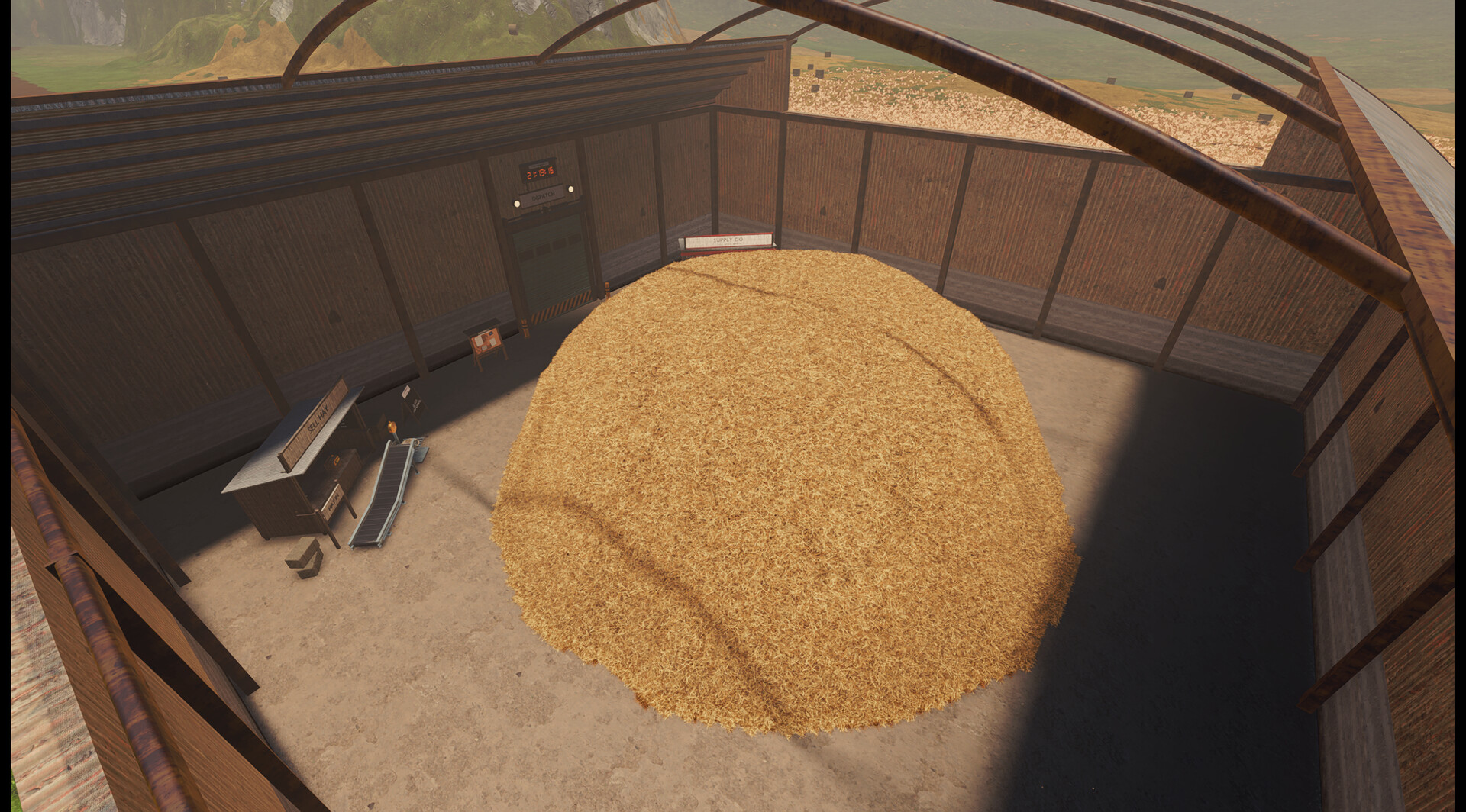
Follow one piece of material from entry to exit. Separate a connection problem from a power problem and an output blockage before replacing your whole layout.
Check the controls for your build
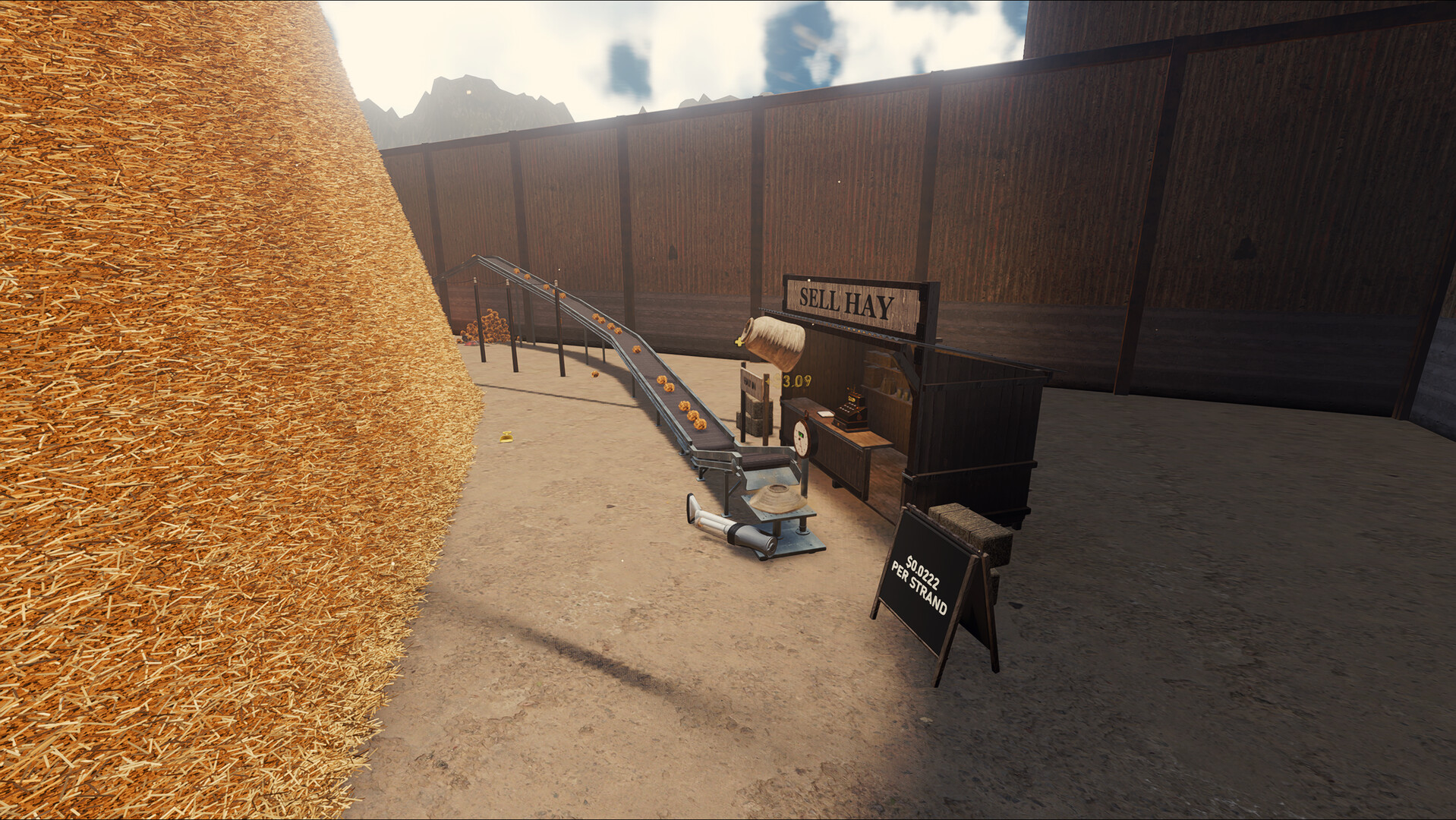
The 11 September Demo V8 announcement added conveyor pathfinding, easier snapping and a snapping connection at the Hay Sell Stand. F enabled No Snap mode; E at a power pole could switch off the electricity network. Check the prompts in your installed build before using these historical bindings.
The same patch added U-Splitters, U-Joiners and a visual warning when network power fell below demand. A warning is a reason to inspect supply and load before rebuilding the belts.
Plan junctions and compare connection heights
An October player discussion titled “Thoughts after playing V48 Demo” describes awkward pipe routing, machine-input heights and inserting junctions into existing belts. It is feedback from one demo run; V48 is the player’s build label.
Before extending a route, line up the receiving input and test the shortest connection. Leave space for the junctions you intend to add, then observe a small transfer before connecting the larger factory. Check the current placement prompts when changing snap modes.
Make a small test, not a bigger fault
Use this diagnostic sequence as a suggested check, not a developer-confirmed fix for every machine. Record the result after each change so you can reverse it.
- Check that material reaches the beginning of the section you are testing. An empty belt may be working correctly but have nothing to move.
- Inspect both endpoints, the direction of flow and the machine’s accepted input. A visually close placement alone does not prove a valid connection.
- Watch the receiving machine’s operating or resource indicators. Establish whether it is waiting for input, unable to run or blocked at the exit.
- Inspect the relevant power network and any warning indicators. Do not repeatedly activate the pole interaction without checking whether you have switched the grid off.
- Observe the destination. A full or unsuitable downstream stage can make an upstream section appear broken.
- Retest a short, simple route before reconnecting splitters and branches. Keep your original layout documented rather than deleting it immediately.
When placement is the problem
A player discussion specifically describes difficulty aligning the hay-throwing rake from a first-person viewpoint. That establishes a real usability problem, not a confirmed snapping bug.
Our suggested check is to place the receiving segment first, compare the placement guides from another safe viewing position and watch a small transfer before building the rest of the line. Do not spend on several upstream machines until that transfer is working.
Avoid guessing generator ratios
Players also ask whether hay and bricks behave differently as generator fuel. We have not verified a version-matched conversion table. Do not assume two fuels provide the same duration or that one is always the more economical option.
For a controlled comparison, keep the powered load constant, time each fuel sample and record the amount consumed. Separate fuel cost from production output.
Create a reproducible report
Include your game build, whether a mod is loaded, the affected machine, a screenshot showing both endpoints, and what happened in a small isolated test. The troubleshooter can assemble this checklist; it does not access the game or submit a bug report automatically.
Questions before you continue
What does F do?
The 11 September Demo V8 announcement assigns F to No Snap mode for conveyors. Check the current in-game binding before relying on it.
Should I rebuild the entire factory?
Start with a reversible test of one section. Rebuilding everything at once makes it harder to identify which connection or setting caused the problem.
See the game in motion