Compare your hardware with the demo’s listed requirements, preserve save data and undo one recent change at a time. Do not start by deleting progress.
Official hardware baseline
These are the Steam demo requirements reviewed on 30 September 2026. They are a publisher baseline, not a promise of a particular frame rate or compatibility with every driver.
| Component | Minimum | Recommended |
|---|---|---|
| System | Windows 10, 64-bit | Windows 11, 64-bit |
| Processor | Intel i5-8400 or Ryzen 5 2600 | Intel i5-12400 or Ryzen 5 5600 |
| Memory | 8 GB RAM | 16 GB RAM |
| Graphics | Dedicated GPU, Vulkan 1.3, 4 GB VRAM; GTX 1050 Ti or RX 570 | GTX 1660 Super or RTX 2060, 6 GB VRAM |
| Storage | 2 GB available | 2 GB available |
Integrated graphics and renderer changes
The listed requirements warn that integrated graphics are unsupported and may crash. On a system with more than one GPU, check which device the game is actually using before assuming that the dedicated card is active.
A community report describes a startup freeze after changing a graphics setting. It does not prove a universal fix or justify publishing unverified launch flags. Record what changed and consult current developer guidance before editing configuration files.
Work through a reversible sequence
The following is a general diagnostic plan, not a list of confirmed game-specific fixes.
- Back up confirmed save data before changing files or uninstalling anything.
- Write down the game build, GPU model, driver version and whether the co-op mod is loaded.
- Recheck the listed hardware requirements and available storage.
- If the issue began after a change, isolate that change using the developer or mod author’s documented rollback procedure.
- Use Steam’s installed-file verification before downloading replacement game files from another website. Verification is not a backup.
- Retest with one change at a time and report the exact error and the smallest reproducible case.
A large factory is a different workload
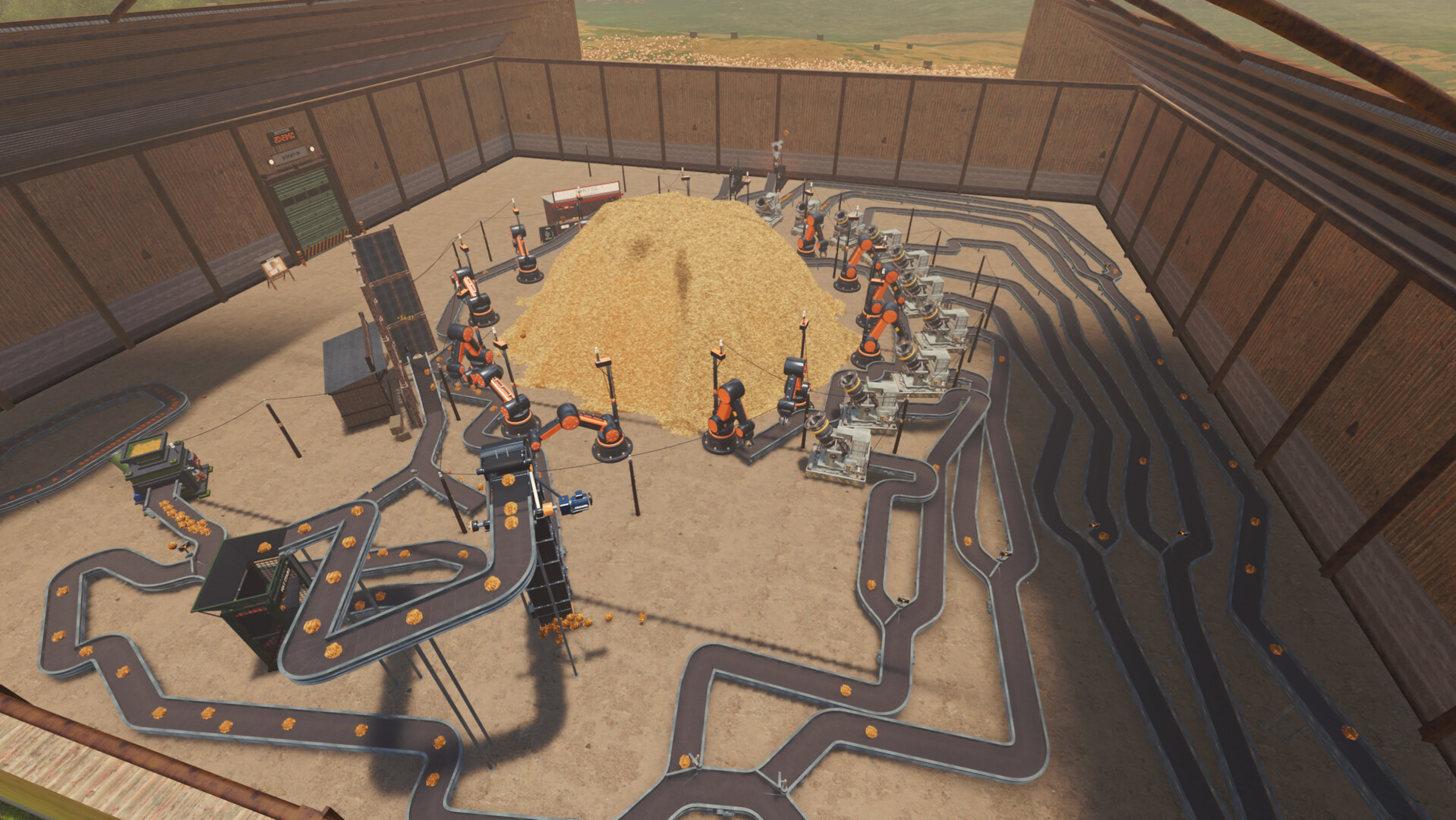
The publisher notes that very large factories can be CPU-heavy. A successful launch does not establish that every later layout will run at the same frame rate.
When comparing performance, keep the save, viewpoint, settings and test duration similar. A slowdown that appears only in a specific factory should be reported separately from a crash before the main menu.
Questions before you continue
Is an integrated GPU supported?
The reviewed Steam requirements explicitly warn that integrated graphics are not supported and may crash.
Should I delete AppData to fix a freeze?
No. Do not erase unknown configuration or save directories. Confirm the file roles and preserve a separate backup first.